Drift
Drop CSV, get Google Sheet. That simple.

About
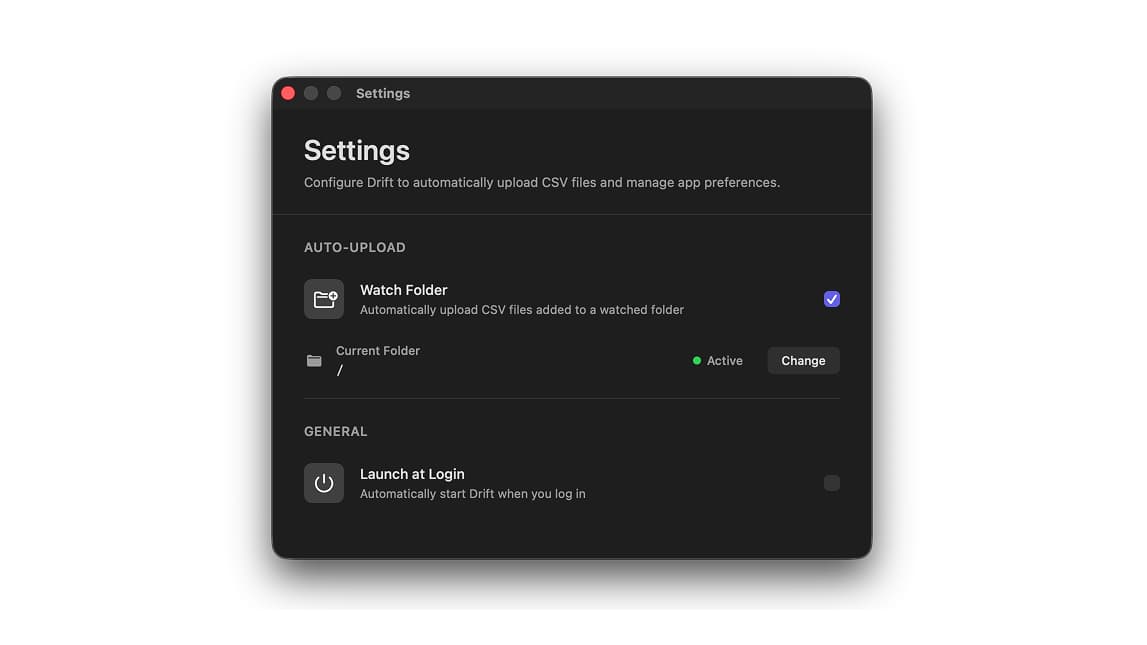
Drift lives in your menu bar, ready to transform any CSV file into a Google Sheet instantly. Just drag and drop your file onto the menu bar icon, or right-click any CSV in Finder and select 'Upload to Google Sheets'. Want it even simpler? Enable auto-upload for any folder, Drift watches it and uploads new CSV files automatically. Your spreadsheets open in your browser, ready to share.
The Problem It Solves
Tired of manually importing CSV files into Google Sheets? Opening Google Sheets, creating a new spreadsheet, clicking File > Import, navigating to your file, waiting for upload, adjusting settings... it's a chore. Drift eliminates all these steps. Drop or right-click your CSV file, and you're done. For repetitive workflows, enable folder watching—Drift automatically uploads any CSV file added to your chosen folder. Perfect for data analysts, automated exports, researchers, and anyone who frequently works with CSV data and Google Sheets.